Your cart is empty



Your cart is empty
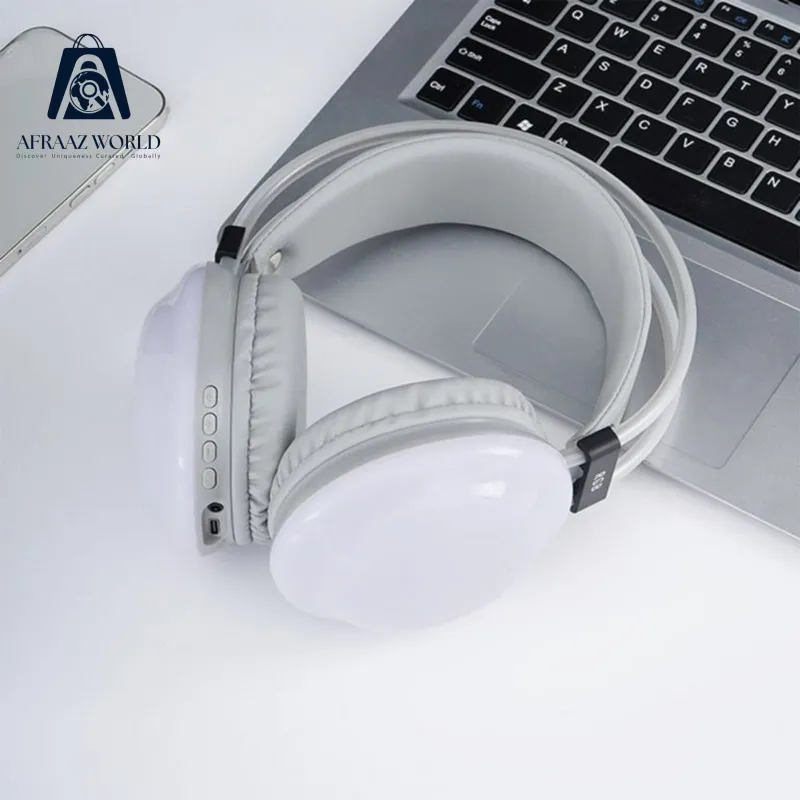
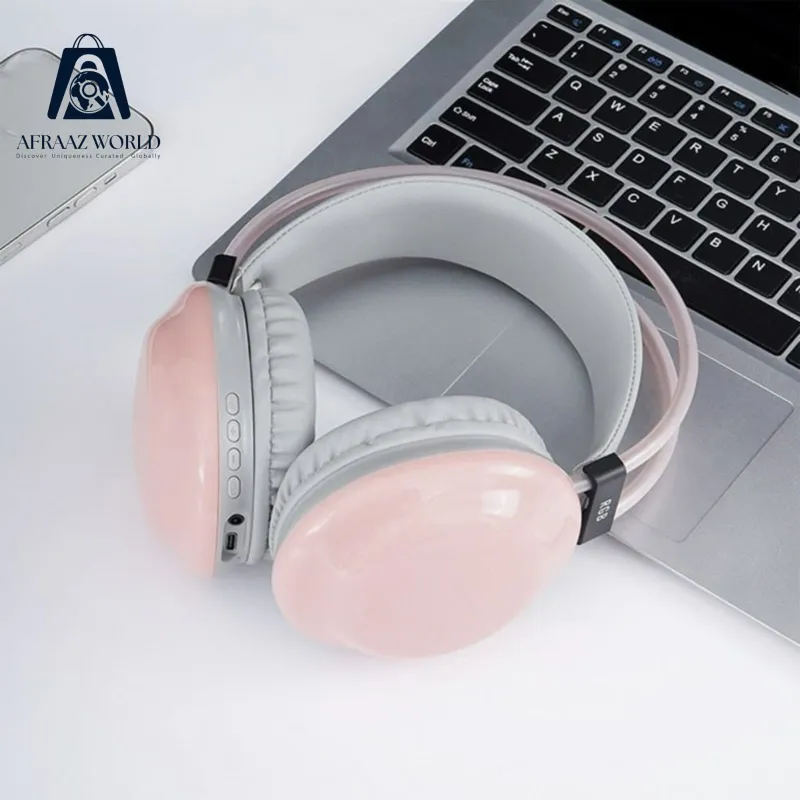
Description;
1.ON-OFF/Pause/Play/auto search radio2.Next/Volume+3.Back/Volum
2.4.FM/MP3/EQ 5.Speaker 6.Microphone build-in 7.TF slot
8.Indicator lamp 9.Audio slot 10. Charging slot (USB)11.Reset
(1) Operation instructions for Bluetooth mode
ON/OFF
1.On:Long press ON/OFF for about 3s to switch on, Bluetooth state by default blue and red light shines, then it begins Bluetooth pairing mode.
2.Off-Long press ON/OFF for about 3s. If voltage is low, the red light twinkles fast and then the phone is off.
Play/pause
When the Bluetooth headset connects to the stereo mobile phone, short press ON/OFF when the music is on the music will be
paused.Short press it again to play the music on the phone.
Next/volume up
When MP3 or Bluetooth stereo phone is on short press NEXT to play the next song automatically long press NEXT to turn it ng
Back/volume down
When MP3 is on, short press BACK to hear the last song with the headset Long press BACK TO turn it down
FM/MP3
In the Bluetooth Mode, press short FM/MP3 Button will be EQ Mode (EQ: Natural/pop/rock/jazz/classic/country/heavy bass)
Answer the call/ hang up/Dial
1. When there is a call, press the call button can answer the call.
2.A fter the call, press the call button can hang up, if the other side hung up, no need press the call button.
In the Bluetooth Mode, press long the call button, will dial the final number which has be recorded automatically.
When the phone call out or answer the call, if the Bluetooth headphone are playing the music, the music will pause automatically and enter the Waiting State, the music will go on play automatically after hang up.
(II)Operating Instructions on MP3 Mode
1.In power-on mode, insert the TF card, MP3 will play automatically, the mode indicator shows the blue light flash slow.
2.If the Bluetooth mode, need to long press FM/MP3 convert MP3 mode
(III) Operation instruction for FM radio
Long press FM/MP3 conversion key to switch to radio, when it is on
Please perform auto search before hearing the radio.
Short press ON/OFF key to auto search radio.
IV)Operation instruction for LINE IN
Insert the audio line to the interface of headset and then you can hear songs with it as normal headset Bluetooth une stop se (power off position)
(V)Instructions for charging
Before use the headset for the frist time, please charge it full.
First of all insert the charger interface to the charging interface on the Bluetooth headset
Connect to the charger and the red light shines when it is fully charged, the red light will be off
RGB হেডসেট , খুব ভালো কোয়ালিটি
 -25%
-25%  -25%
-25%  -25%
-25%  -25%
-25%  -70%
-70%  -25%
-25%  -25%
-25%  -35%
-35%  -20%
-20%  -25%
-25%  -50%
-50%  -50%
-50%  -25%
-25%  -50%
-50%  -30%
-30%  -25%
-25%  -25%
-25%  -25%
-25%  -25%
-25%  -40%
-40%  -40%
-40%  -40%
-40%  -40%
-40%  -40%
-40% 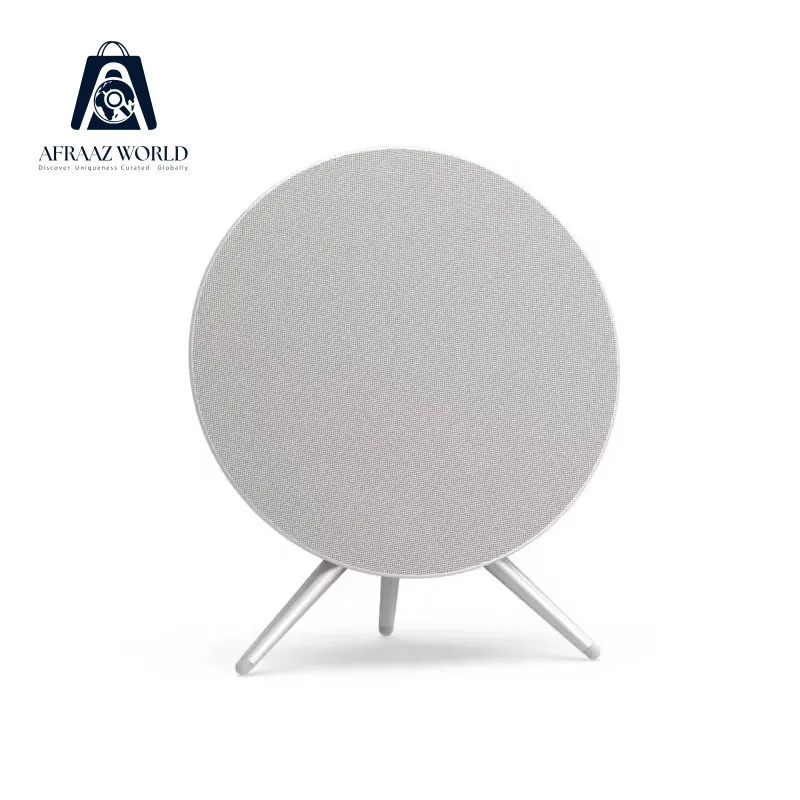 -35%
-35%